1 先决条件
- 主流Linux发行版
- mihomo内核
- 完全命令行操作
2 安装
- 使用加速前缀拉取项目
1
2
| git clone --branch master --depth 1 https://gh-proxy.org/https://github.com/nelvko/clash-for-linux-install.git \
&& cd clash-for-linux-install
|
- 自定义具体配置,不通过默认 subconverter 进行本地订阅转换
复制本地配置信息
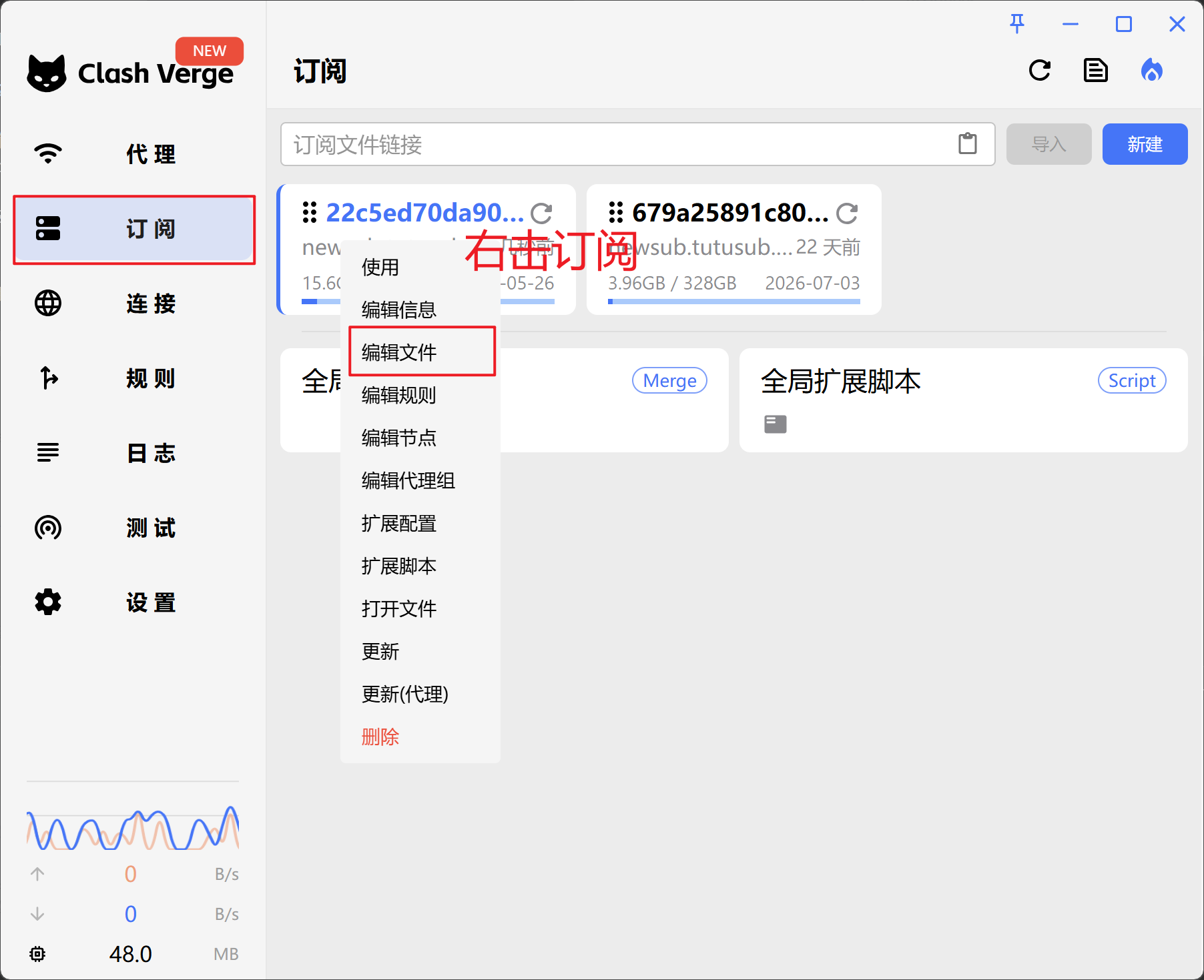
粘贴信息到 config.yaml
1
| nano ./resources/config.yaml
|
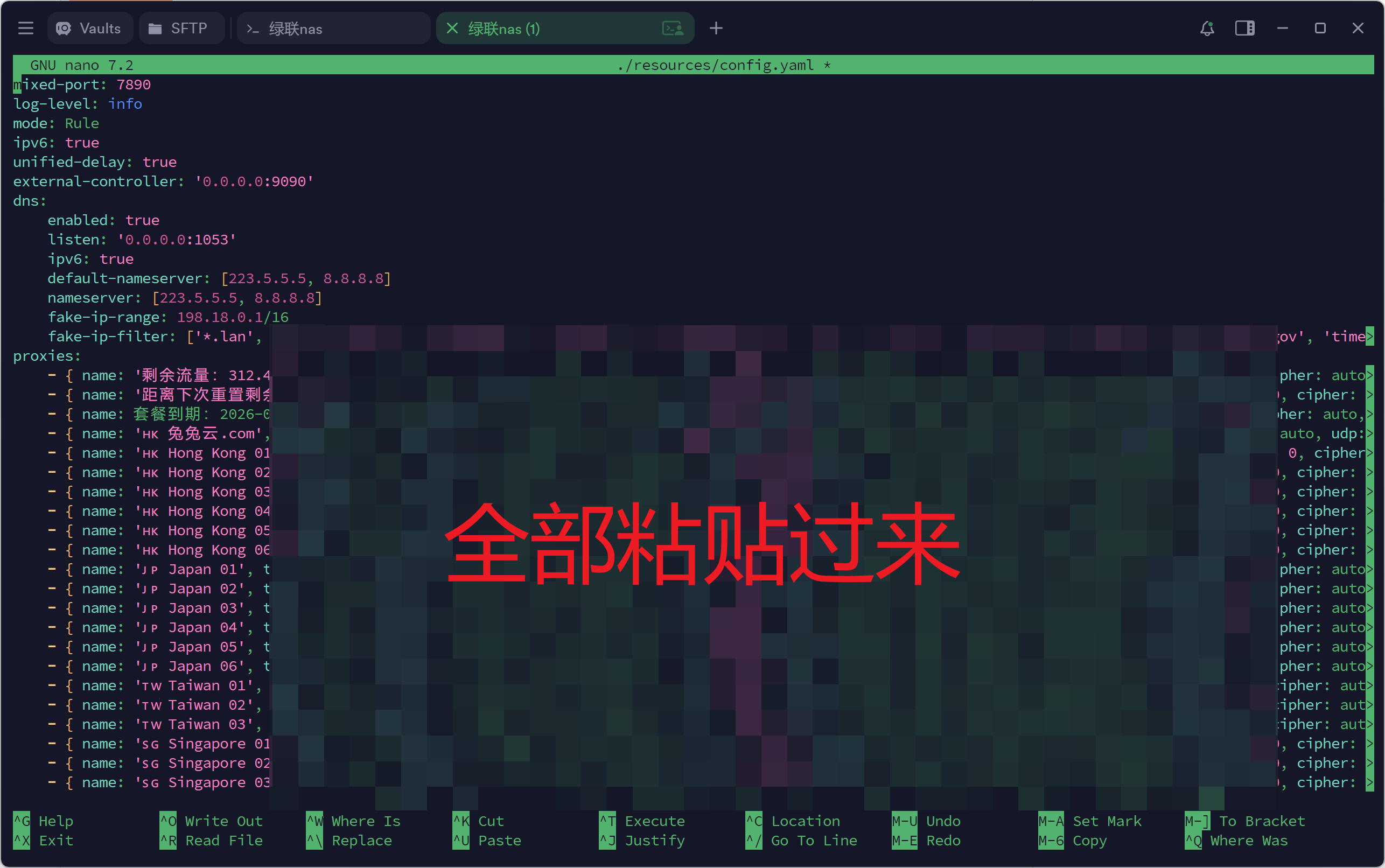
这一步主要是现在很多机场的订阅都不能通过subconverter正常转换,会丢失节点等,麻烦又闹心,从 Windows 的 Clash Verge 直接复制配置,简单直接。要是机场配置支持subconverter转换,可以跳过这一步,下一步会自动引导输入url。
- 安装脚本落地为常驻服务。
3 常用命令
- 优雅启停
1
2
3
4
5
| $ clashon
😼 已开启代理环境
$ clashoff
😼 已关闭代理环境
|
- Web 控制台
1
2
3
4
5
6
7
8
9
10
11
12
13
14
15
16
17
| $ clashui
╔═══════════════════════════════════════════════╗
║ 😼 Web 控制台 ║
║═══════════════════════════════════════════════║
║ ║
║ 🔓 注意放行端口:9090 ║
║ 🏠 内网:http://192.168.0.1:9090/ui ║
║ 🌏 公网:http://8.8.8.8:9090/ui ║
║ ☁️ 公共:http://board.zash.run.place ║
║ ║
╚═══════════════════════════════════════════════╝
$ clashsecret mysecret
😼 密钥更新成功,已重启生效
$ clashsecret
😼 当前密钥:mysecret
|